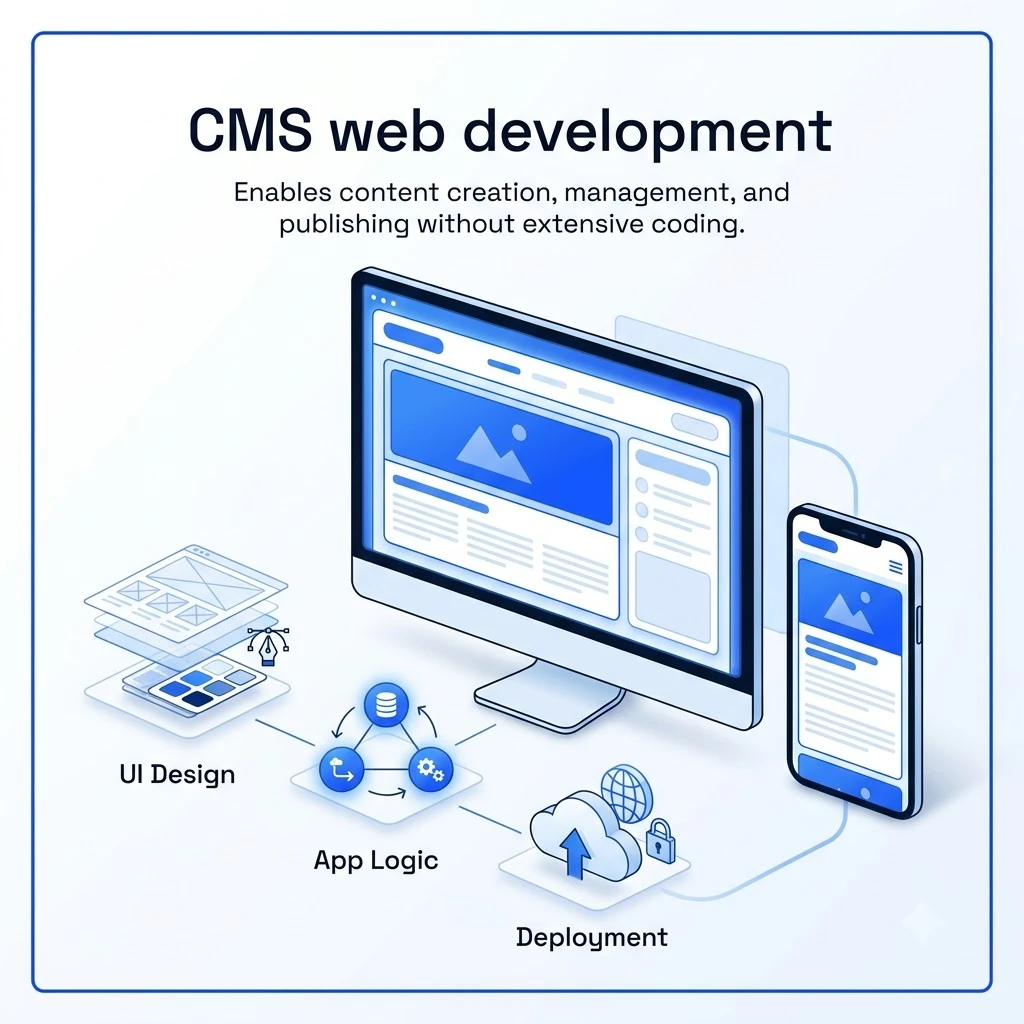
CMS web development involves building and managing websites using specialized software that simplifies content creation and updates. This approach empowers businesses to maintain dynamic online presences efficiently, whether for e-commerce or informational sites. Our expertise in comprehensive website development services ensures scalable and user-friendly solutions tailored to your unique needs.What is CMS web developmentCMS web development is the process of creating and managing websites using a Content Management System. This software allows users to add, edit, and organize content without needing advanced technical skills. It separates the content from the website’s design and code. This separation makes updating websites much simpler than traditional manual coding.
Defining CMS and its role in web development
A Content Management System (CMS) acts as a digital toolkit for website creation and maintenance. It provides a user-friendly interface, often called the back-end or Content Management Application (CMA), where administrators and content creators can easily add text, images, and other media. This content is stored in a database. When a user visits the website, the Content Delivery Application (CDA) retrieves this stored content. It then combines it with pre-designed templates to display the final webpage. This system significantly streamlines the process of keeping website content fresh and relevant.
Key components of a content management system
- Content Management Application (CMA): This is the user interface where content is created, edited, and managed. It typically includes a rich text editor and tools for uploading and organizing media files.
- Content Delivery Application (CDA): This component processes the stored content and applies design templates to generate the web pages visitors see. It handles the front-end presentation of the website.
- Admin Dashboard: A centralized control panel allows administrators to manage user roles, set permissions, select design themes, and oversee the entire publishing workflow.
CMS web development vs. custom coding
CMS development leverages existing platforms to build websites. This approach typically offers faster deployment times and simplifies ongoing content management for non-technical users. Custom coding, on the other hand, involves building a website entirely from scratch. While custom solutions provide maximum flexibility and unique functionality, they demand more time, resources, and specialized development expertise. Choosing between them depends on project scope, budget, and long-term management needs.
Core benefits of using a CMS for your website
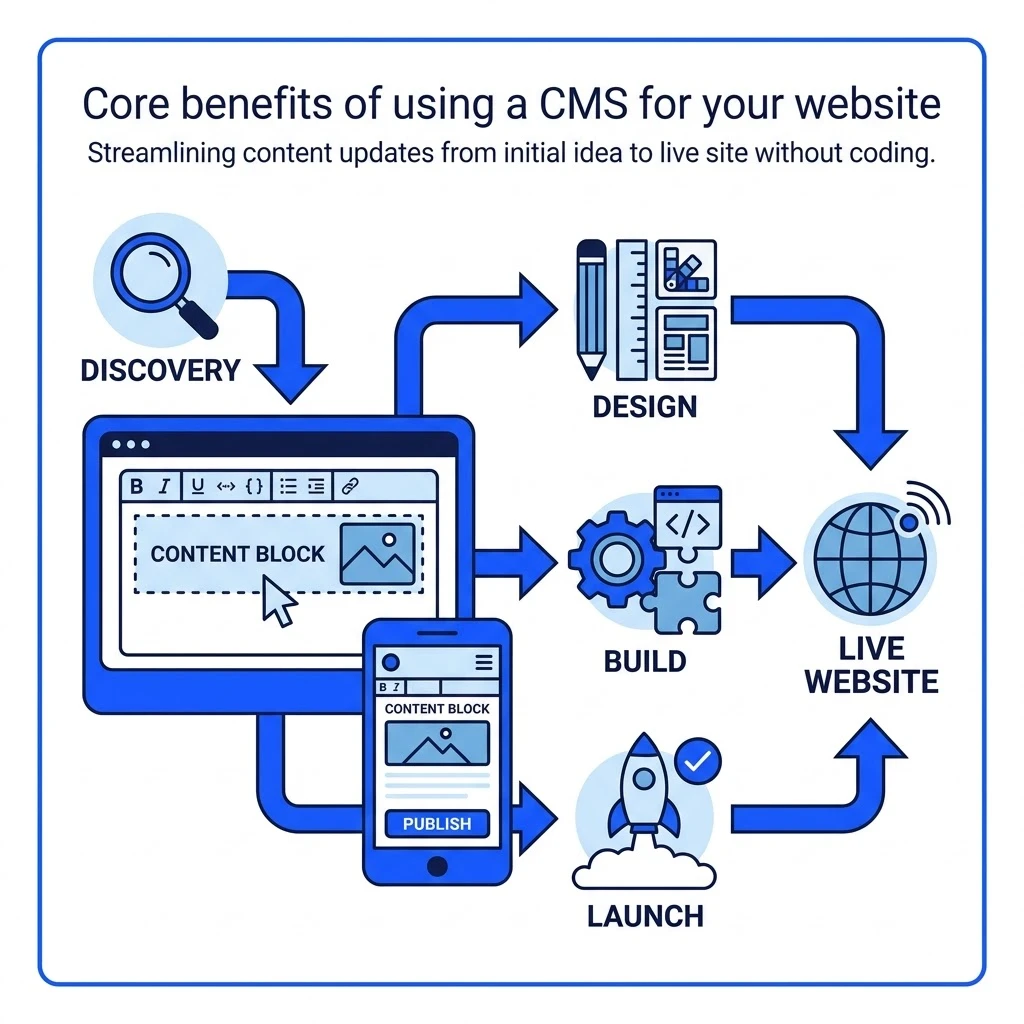
A Content Management System (CMS) offers significant advantages for website development and ongoing management. It empowers teams, streamlines workflows, and enhances site performance. Utilizing a CMS can transform how businesses interact with their online presence.
Ease of use for non-technical teams
One of the primary benefits of CMS web development is its accessibility. Non-technical team members can easily manage website content. This is achieved through intuitive graphical interfaces and What You See Is What You Get (WYSIWYG) editors. Marketing departments can update text, images, and product details without needing developer assistance. Built-in media libraries simplify the organization and retrieval of digital assets. Browser-based editing further streamlines content updates and revisions. This empowers content creators to maintain a fresh and engaging website independently.
Streamlined collaboration and role management
CMS platforms centralize content creation and publishing. This fosters better team coordination and accountability. Granular user roles and permissions are a key feature. For example, you can assign roles like Administrator, Editor, or Author. Each role has specific access levels and capabilities. Content scheduling allows teams to plan and automate publishing. Version history tracks all changes, enabling rollbacks if needed. These features are crucial for multi-author environments and complex editorial workflows.
Built-in SEO optimization tools
Modern CMS platforms are designed with search engine optimization (SEO) in mind. They provide foundational features to improve search visibility. This includes generating clean permalink structures, which are user-friendly and SEO-friendly URLs. You can easily edit meta titles and descriptions for each page. Most CMS platforms automatically generate XML sitemaps, helping search engines index your content efficiently. Fields for image alt text are standard, crucial for accessibility and image search optimization. Furthermore, responsiveness to various devices is a core consideration in contemporary CMS design. These built-in tools reduce the need for extensive custom development for basic SEO needs.
Scalability and extensibility
A robust CMS can grow alongside your business. As your needs evolve, the platform can adapt. Functionality can be expanded through various means. Plugins and modules offer pre-built features for e-commerce, forms, or galleries. API integrations connect your CMS to other essential business systems. This includes CRM platforms, email marketing tools, and payment gateways. Such extensibility ensures your website remains a dynamic asset. It can support increased traffic, more content, and evolving business objectives. This adaptability is vital for long-term success.
Enhanced security protocols
Security is a critical concern for any website. Popular CMS platforms benefit from active developer communities and dedicated security teams. These groups regularly release patches and updates to address vulnerabilities. Many platforms also support security plugins. These can enforce strong password policies, deploy firewalls, and scan for malware. They also help block unauthorized login attempts. While no system is entirely impenetrable, a well-maintained CMS with security best practices significantly reduces risk. This proactive approach protects your data and your users. Our team at Enosta leverages these capabilities to build secure and reliable websites for our clients.
Architectural types of CMS platforms
Understanding the different architectural types of Content Management Systems (CMS) is crucial for selecting the right foundation for your website. Each architecture offers distinct advantages and disadvantages regarding flexibility, scalability, and management. The primary categories include open-source CMS, headless CMS, proprietary/SaaS CMS, and e-commerce-specific CMS.
Open-source CMS
Open-source platforms provide access to their complete source code. This allows for extensive customization and control over hosting and updates. Users can modify the software to meet unique requirements.
- WordPress: This is the world’s most popular open-source CMS, powering over 43% of all websites. It excels for blogs, business sites, and e-commerce through its WooCommerce extension.
- Drupal: Drupal is recognized for its enterprise-grade security and sophisticated content modeling capabilities. It is well-suited for large organizations and government entities with complex needs.
- Joomla: This platform strikes a balance between WordPress’s user-friendliness and Drupal’s advanced features. It includes native support for multiple languages.
While offering high flexibility, open-source solutions demand active management. This includes handling security patches, server configurations, and performance tuning.
Headless CMS
A headless CMS separates the backend content repository from the frontend presentation layer. Content is delivered via APIs to custom frontends. These can be built using frameworks like React, Next.js, or Vue.js. This architecture is key for modern, multi-channel content delivery.
- Contentful: This is an enterprise-grade platform designed for global brands. It supports delivering content across numerous channels efficiently.
- Storyblok: Storyblok offers a hybrid headless approach. Its visual editor is particularly beneficial for marketing teams.
- Sanity: This platform features a customizable content studio. It supports real-time collaboration and structured queries for content management.
- Strapi: As an open-source headless CMS, Strapi requires self-hosting. It can be managed effectively using tools like Docker.
Headless CMS development is ideal for distributing content from a single source. This includes web applications, mobile apps, and even IoT devices. The global headless CMS market is growing rapidly, projected to reach $678 billion by 2035 from $297 billion in 2026. This growth rate is 9.6% compound annually.
Proprietary and SaaS CMS
These platforms are hosted in the cloud, with the vendor managing all underlying infrastructure. This approach simplifies operations for the user.
- Shopify: A leading SaaS platform specifically designed for online stores. It offers comprehensive e-commerce functionalities.
- Webflow: This platform combines visual design tools with integrated CMS hosting. It empowers designers to build and manage websites without extensive coding.
- HubSpot CMS: HubSpot CMS is tightly integrated with its suite of marketing and CRM tools. This offers a unified platform for customer engagement.
Proprietary platforms significantly reduce the burden of infrastructure management. However, they typically involve recurring licensing fees. They also impose limitations on code-level customization compared to open-source options.
E-commerce CMS
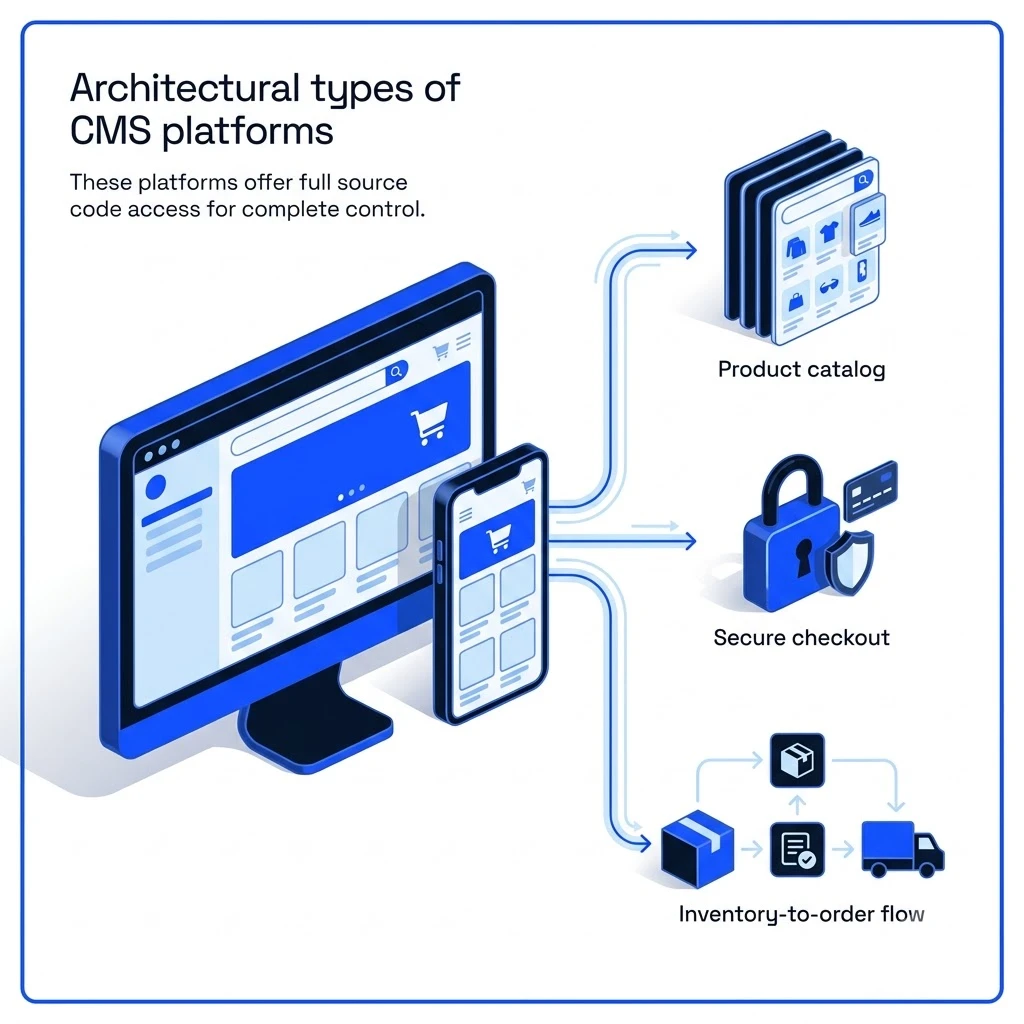
These systems are purpose-built for online retail operations. They integrate inventory management, order processing, and content publishing capabilities.
- WooCommerce: This is a powerful extension for WordPress. It transforms a WordPress site into a robust online store.
- Magento (Adobe Commerce): Magento is an enterprise-level e-commerce platform. It provides extensive features suitable for large businesses, including B2B functionalities.
Choosing the right CMS architecture depends on project scope, technical resources, and long-term business goals. Each type offers a different balance of control, flexibility, and ease of use.
Step-by-step framework for choosing the right CMS
Selecting the right Content Management System (CMS) is crucial for website success. This framework guides you through assessing your unique needs to make an informed decision. It requires careful consideration of your technical capabilities, budget constraints, desired design flexibility, and future growth aspirations.
Stage 1. Define your primary use case
First, clarify the main purpose of your website. Will it primarily serve as a content hub for articles and information? Is it an e-commerce store focused on transactions? Or perhaps a complex web application with interactive features? You also need to determine if your content needs to be distributed across multiple channels, such as mobile apps or social media. Finally, identify who will be responsible for managing the website’s daily operations and content updates.
Stage 2. Evaluate technical flexibility and APIs
A developer-friendly CMS provides open access to its full content modeling capabilities and clean, well-documented APIs. This extensibility is vital for custom integrations with existing business systems like CRM or ERP platforms. Verify that the chosen CMS supports non-standard content types and allows for deep customization to meet unique functional requirements. This ensures the platform can evolve with your business needs.
Stage 3. Assess scalability (content & traffic)
Scalability is a critical factor for long-term success. Content scalability ensures your CMS can efficiently handle a growing volume of pages and assets without performance degradation. Traffic scalability means the system can maintain smooth operation and fast load times even with a high number of concurrent users. For high-traffic publishing sites, headless CMS paired with static site generation consistently outperforms server-rendered traditional CMS. This architecture offers superior speed and resilience.
Stage 4. Check security features
Security should be a top priority. Look for CMS platforms that offer regular vendor updates and security patches. Essential features include granular role-based access control to manage user permissions effectively. Two-factor authentication and secure token handling are also vital for protecting sensitive data. Remember that many security weaknesses arise from outdated software or unmaintained plugins.
Stage 5. Review community support and talent availability
A robust community surrounding a CMS offers significant advantages. A large, active community means more readily available documented solutions, third-party plugins, and skilled developers. This accessibility speeds up problem-solving and reduces your reliance on costly external support. It also makes it easier to find talent when you need to expand your development team.
Stage 6. Calculate total cost of ownership (TCO)
Beyond initial development, consider the total cost of ownership. This includes hosting expenses, potential licensing fees, development time for customization, costs for necessary plugins, and ongoing maintenance. Open-source platforms often have lower licensing fees but can incur higher setup and customization costs. Conversely, Software-as-a-Service (SaaS) options typically involve recurring subscription fees.
CMS development best practices
Adhering to best practices ensures your CMS project is robust, secure, and maintainable. These guidelines help avoid common pitfalls and set a foundation for future growth. Our team at Enosta emphasizes these principles throughout the development lifecycle.
Define content models early
Mapping out your content structure before writing code is crucial. Clearly define all content types, their associated fields, and how they relate to each other. Establish user roles and permissions at this stage. This foresight prevents costly rework later. For instance, a blog post might have fields for title, author, publication date, body content, and featured image. An e-commerce product would need fields for name, description, price, SKU, inventory, and variations.
Separate content from presentation
Keep your content fields clean and focused on the data itself. Handle all styling and visual presentation in your frontend templates or UI components. This separation allows for greater flexibility. You can redesign your website’s look and feel without altering the core content. It also enables content reuse across different channels or devices. For example, a product description stored in the CMS should be plain text, not pre-formatted with specific HTML for one page layout.
Version control everything
Treat your CMS project like any other software development effort. Store all theme files, custom modules, and configuration settings in a version control system like Git. This practice provides a historical record of changes. It allows for easy rollback if issues arise. It also facilitates collaboration among developers. Every code change should be committed with a clear message.
Use staging environments
Always test updates, migrations, and patches on a staging server. This environment should mirror your production setup as closely as possible. It allows you to identify and fix bugs before they impact live users. Testing custom plugins or theme updates on staging prevents unexpected downtime. It ensures a smooth transition to the live site.
Automate deployments
Implement Continuous Integration and Continuous Deployment (CI/CD) pipelines. Automation reduces manual errors during releases. It makes deployments repeatable and predictable. This speeds up the release cycle significantly. For example, a CI/CD pipeline can automatically build, test, and deploy code changes to staging or production environments.
Audit plugins regularly
If using a platform like WordPress, regularly audit your installed plugins. Remove any inactive or unnecessary plugins quarterly. Each plugin represents a potential security vulnerability. Minimizing the plugin count enhances security and site performance. Review plugin permissions and update frequency.
Design for the content editor
Consider the user experience of your content team. Build custom editorial interfaces tailored to their specific workflow. This makes content creation and management more efficient. For example, if your team frequently publishes articles with specific image requirements, design a custom media uploader. This simplifies their task and ensures consistency.
CMS development services: When to hire experts
Hiring professional CMS development services becomes essential when your project demands specialized expertise or faces complexities beyond in-house capabilities. This is particularly true for intricate tasks like migrating large content volumes or developing unique functionalities. Engaging experts ensures these critical aspects are handled efficiently and effectively.
Consider professional CMS development services for:
- Complex content migrations: Preserving SEO value, URL structures, and taxonomy during platform transitions. This involves meticulous planning and execution to avoid data loss or ranking drops.
- Custom module/plugin development: Creating business-critical workflows and unique functionalities tailored to your specific operational needs. Off-the-shelf solutions often fall short here.
- Performance audits and optimizations: Enhancing page speed and site responsiveness. Experts can identify bottlenecks and implement advanced caching or code optimization strategies.
- Headless architecture design: Building multi-channel digital distribution systems. This requires deep understanding of APIs and frontend frameworks for seamless content delivery.
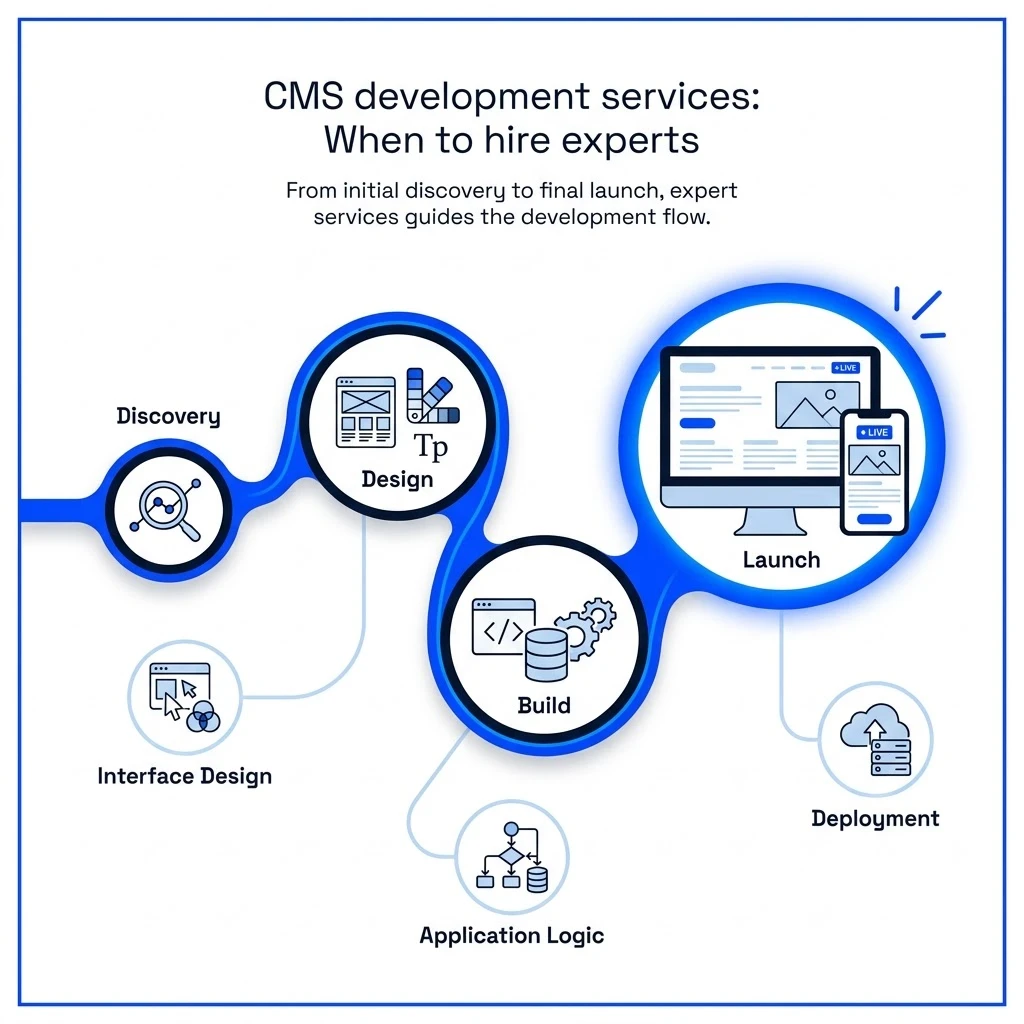
For instance, migrating a large e-commerce site with thousands of products requires careful mapping of product attributes, categories, and customer data. A misstep can lead to lost sales and a damaged reputation. Similarly, developing a custom plugin for a specific inventory management workflow demands deep understanding of the CMS’s architecture and potential integration points. At Enosta, we offer comprehensive CMS development services, handling everything from plugin development to enterprise migrations for growing brands. Learn more about our web development services.
Frequently Asked Questions
What is CMS web development?
CMS development involves building and customizing websites using a Content Management System. This process focuses on creating a user-friendly interface for content management without requiring deep coding knowledge. It encompasses platform selection, theme customization, plugin integration, and ongoing maintenance.
What is a CMS in web development?
A CMS, or Content Management System, is a software application. It allows users to create, manage, and modify website content through a graphical interface. In web development, it acts as the backend engine that powers the frontend user experience.
What is the best CMS for developers?
The “best” CMS for developers depends on project specifics. WordPress is popular for its vast plugin ecosystem and community support. Drupal offers robust security and flexibility for complex enterprise needs. Headless CMS options like Sanity and Storyblok provide API-driven content delivery for modern frontend frameworks.
How do I choose the right CMS for my website?
Start by defining your website’s purpose and required features. Evaluate potential CMS platforms based on their flexibility, scalability, security measures, and available developer support. Consider the total cost of ownership, including licensing, development, and maintenance.
What is a headless CMS and why use one?
A headless CMS decouples content management from the presentation layer. Content is stored and delivered via APIs to any frontend channel, such as websites, mobile apps, or IoT devices. This architecture offers greater flexibility and performance for multi-channel strategies. Storyblok powers over 200,000 projects, highlighting this trend toward API-first content workflows Storyblok platform statistics.
How much does CMS web development cost?
Costs vary significantly. Open-source CMS platforms like WordPress are free to use, but development, customization, hosting, and maintenance incur expenses. SaaS CMS solutions often have monthly subscription fees. Enterprise-grade CMS development can involve substantial investment in licensing, custom features, and expert agency services.
What are the most popular CMS platforms for website development?
Leading CMS platforms include WordPress, known for its versatility. Drupal is favored for enterprise-level security and complexity. Shopify dominates e-commerce. Webflow offers visual design capabilities. Headless options like Contentful and Sanity are gaining traction for their API-first approach.
Can you build a CMS from scratch?
Yes, custom CMS development is possible. This approach provides complete control over features and architecture. However, it demands significant resources for development, ongoing maintenance, security patching, and performance optimization. For most businesses, leveraging existing CMS platforms is more efficient.
When should I hire an enterprise CMS development agency?
Consider hiring an agency for large-scale projects. This includes complex CMS migrations, developing custom modules, integrating with existing systems, or implementing headless CMS architectures. An experienced agency ensures efficient development and a successful, scalable outcome. Explore our enterprise CMS development services.